Plan less.
Remember more.
Recall unifies your tasks, notes, events, and resources with AI assistance, a knowledge graph, and a workspace that adapts to how you think.
Six entity types, one workspace
Everything you capture lives in a unified system — connected by areas, projects, and a knowledge graph.
Tasks
Track work with priorities, due dates, and smart filters — inbox, overdue, today, upcoming, completed.
Notes
Write in markdown with live preview, focus mode, and formatting tools. Pin and favorite for quick access.
Events
Schedule meetings, deadlines, and appointments with time slots, locations, and all-day support.
Resources
Save links, documents, videos, books, and tools. Organize with tags and favorites.
Projects
Group related work into kanban boards. Drag tasks through stages and track progress visually.
Areas
Define life domains like Work or Personal. Everything nests under areas for big-picture clarity.
Built for how life actually moves
Create, connect, search, ask, and execute — without context switching.
AI Assistant
Ask questions, summarize your week, create tasks, and update items — all from a conversational side panel.
Rich Markdown Editor
Split view with live preview, focus mode that highlights one paragraph, and a full formatting toolbar.
Smart Dashboard
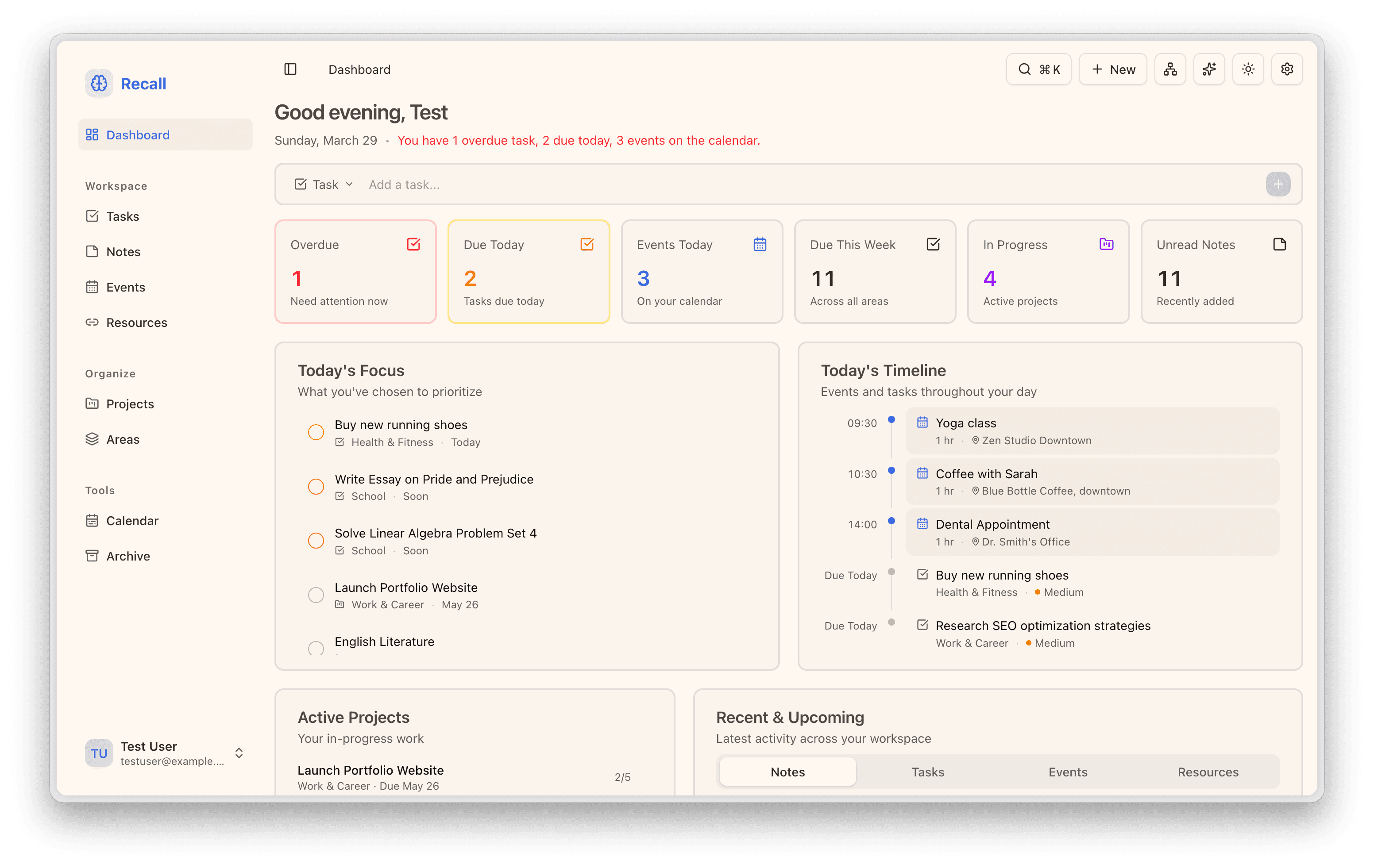
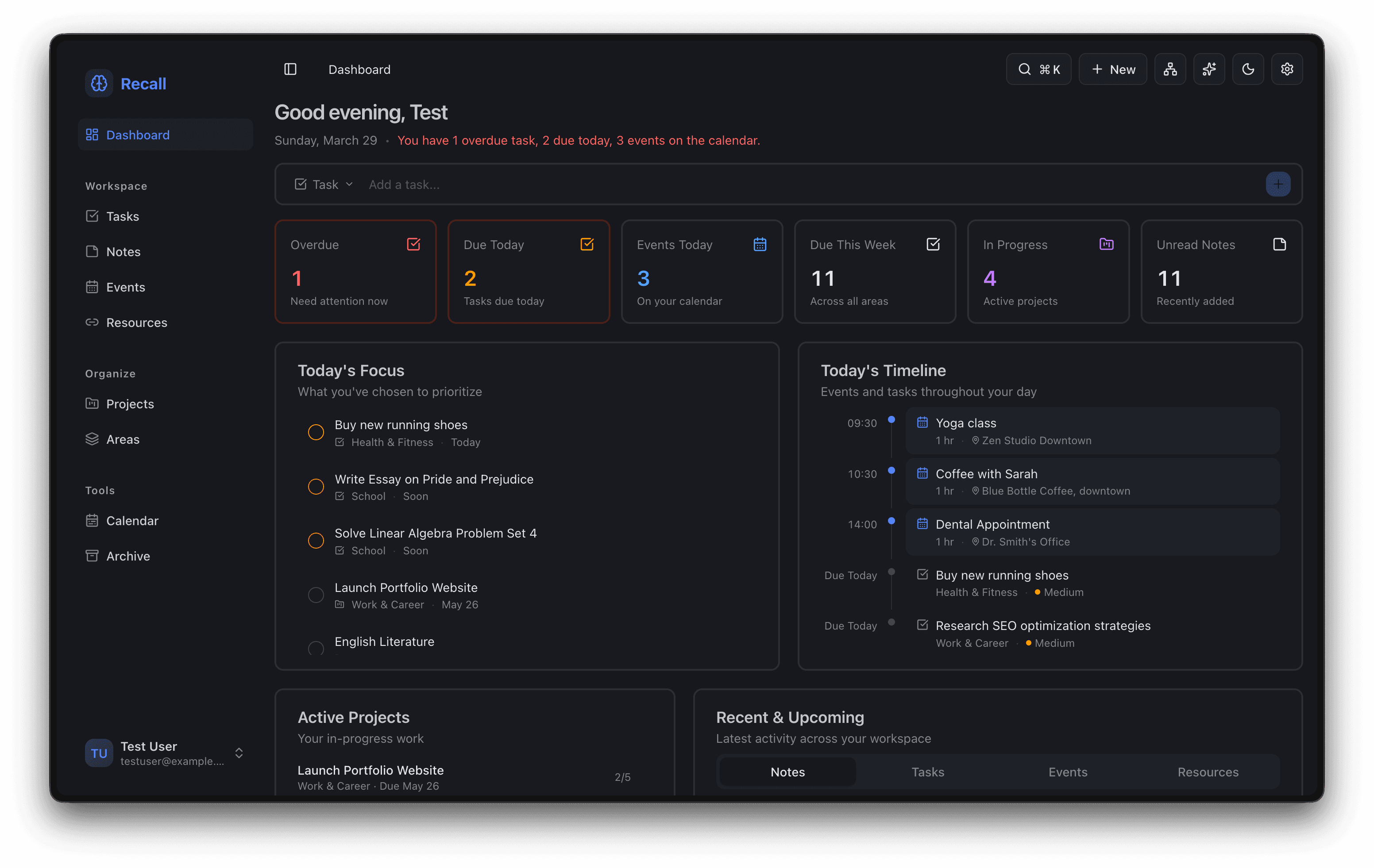
A morning overview with actionable stats, today's focus, a timeline, active projects, and quick capture.
Quick Search
Jump anywhere instantly with a command palette. Search across every entity type with Cmd K.
Knowledge Graph
An interactive force-directed graph that maps relationships between areas, projects, tasks, notes, events, and resources.
Kanban Projects
Drag and drop projects between status columns — planned, in progress, and done.
Calendar View
A month view that surfaces tasks and events on date cells. Customize timezone, date format, and week start.
Dark Mode & Settings
Switch themes, set your timezone, choose a date format, pick a week start day, and configure defaults.
Plus timezone, date format, week start, and default event duration.
Bulk Actions & Archive
Multi-select items, batch archive or delete, then restore from archive whenever you need them back.
Batch actions across tasks, notes, events, and resources. Restore from archive any time.
One loop, every day
Capture
Drop in tasks, notes, events, or resources the moment they appear — from the dashboard or any page.
Organize
Nest items under areas and projects. Prioritize, tag, and group until everything has a home.
Ask
Use AI to summarize, prioritize, and create the next actions from context you already captured.
Execute
Jump with Cmd K, batch-process with bulk actions, and review your day in the calendar.
Start organizing with less friction
Move from idea to done with a workspace that actually remembers your context.